Output module
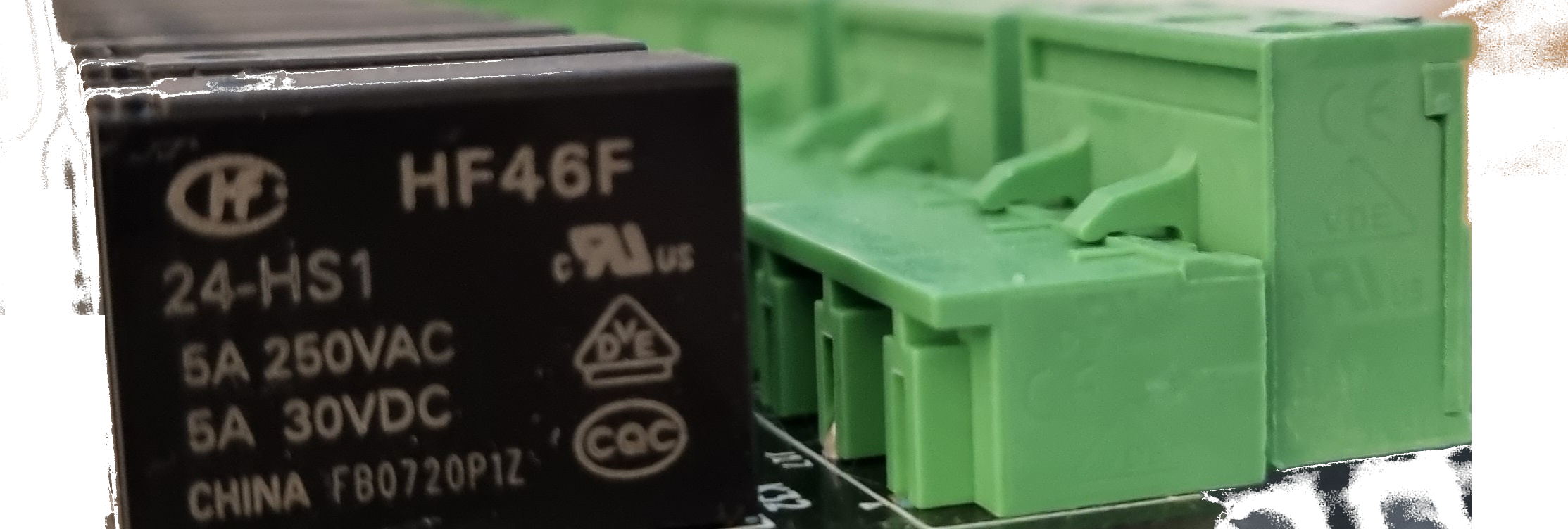
Expander used in relay board. You likely must have this configured.
Example config
Example config for MCP23017
output:
  - id: kitchenlight
    kind: mcp
    mcp_id: mcp2
    pin: 15
    output_type: light
    restore_state: True
Example config for PCA9685
output:
  - id: kitchenlight
    kind: pca
    pca_id: pca1
    pin: 15
    output_type: led
    restore_state: True
    percentage_default_brightness: 1
You can mix outputs in one configuration file, or you can split them to more than one file - check configuration how to load yaml files.
Configuration variables:
- id (Optional, string, default: value of
{kind}_{pin}) - uniquely identifies this device in MQTT and Home Assistant. - kind (Required, string, allowed_values:
['gpio', 'mcp']) - What kind of output it is. For relay board alwas usemcp - pin (Required, string) - PIN id of MCP of GPIO. For MCP it's value 0-15.
- output_type (Required, string, allowed_values:
['switch', 'light', 'none']) - What type of output it is. Switch/light shows as such device in Home Assistant. Value none means that this output is not published to MQTT. It's internal use only for other component eg cover. - momentary_turn_on (Optional, timeperiod) - Time period after relay will be turned off. Examples 50ms, 500ms, 5s, 20mins, 2hours
- momentary_turn_off (Optional, timeperiod) - Time period after relay will be turned on. Examples 50ms, 500ms, 5s, 20mins, 2hours
- restore_state (Optional, boolean, default: False) - You can enable restore_state option. It's bit experimental. It saves state of relay or cover in
state.jsonfile, which is located in same directory as yourconfig.json. Ifoutput_typeis None, then this value is overwritten to False!
PCA9685 only:
- percentage_default_brightness (Required, integer, default: 1) - This option allow for pca make default brightness value when you just turn on the output from for example home assistant app. When you set brightness by chose value in home assistant it will set brightens that what you pick by app.